
What should parents write for an 18th birthday?
Something about who they have become rather than what they will do next: pride, a favourite memory and a promise that home is always there. The wishes above include a few in that spirit.
Free · made on your device
Words for the day they become an adult, and a timeline from the first photo to now, with messages from school friends and family.
Free · no sign-up · no watermark
Download one as it is, or press Add their name to open it in the editor and make it theirs.

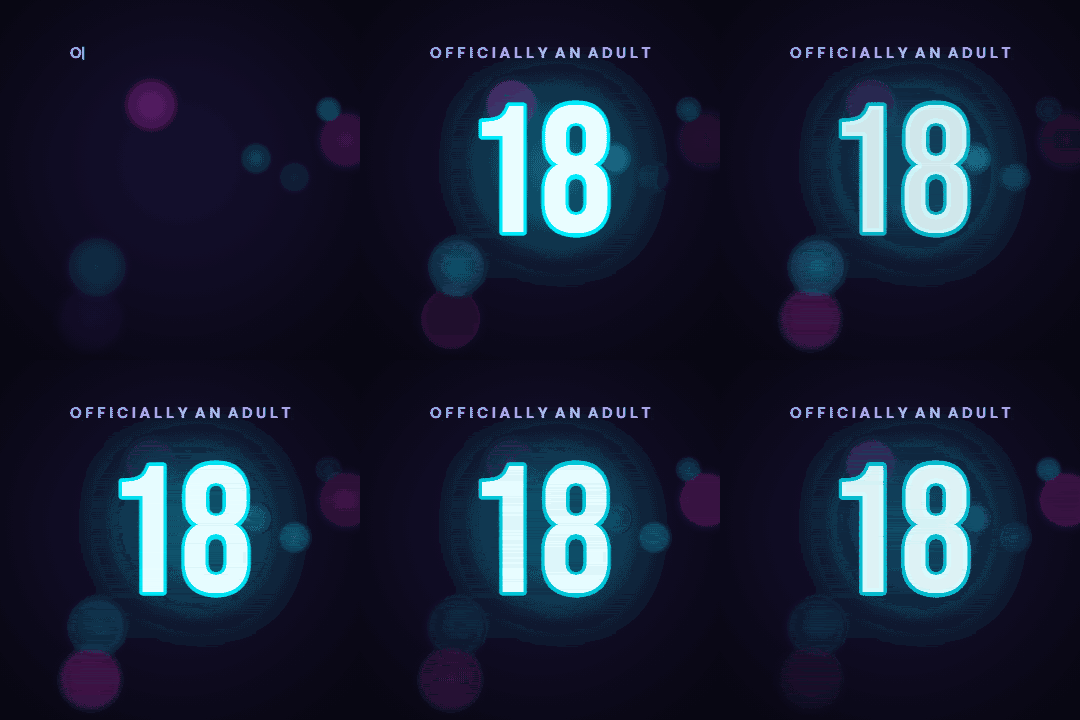
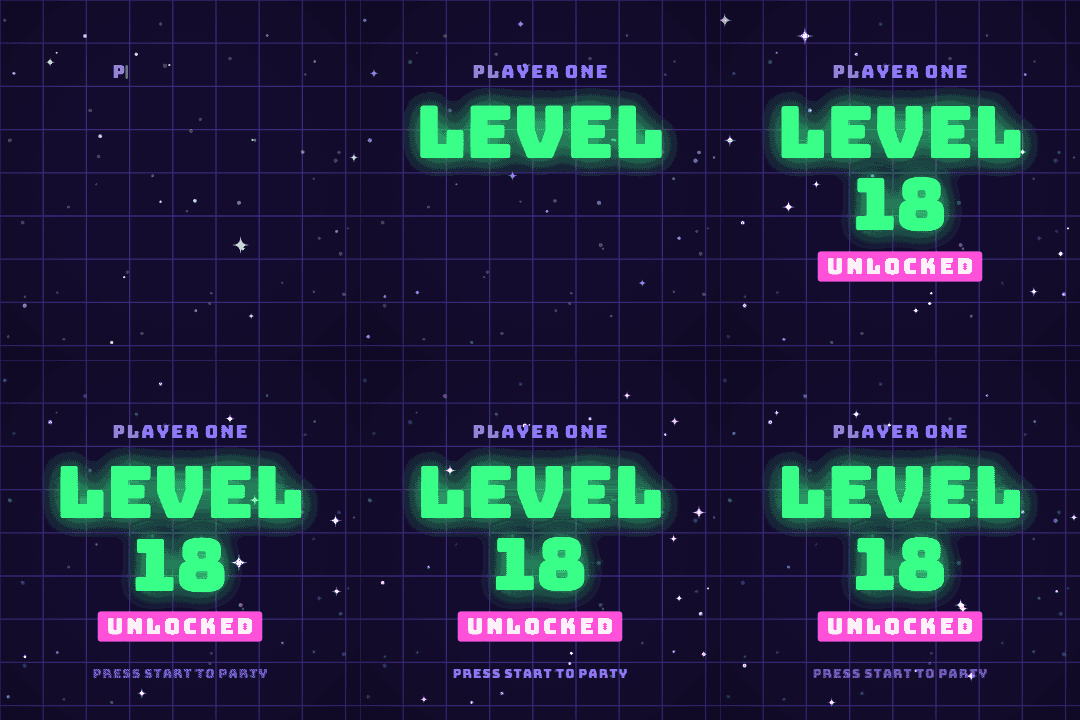
A happy 18th birthday message marks a real line: the day they become an adult. Borrow a line from the wishes below and put it on a milestone card with their name and a big 18, then send it as a GIF or turn it into a video that runs from the first baby photo to now.
This page opens the editor with Age set to 18 in Story 9:16. Below: how to build the timeline, what to ask friends and relatives to say, and how to play it at the party.
The video is made in your browser; nothing is uploaded. Free, with no watermark and no account.
Start from one of these
Some from parents, some from friends. Paste one into Message.
Happy 18th birthday. The world is lucky to get you.
Eighteen years ago we met the best person we know.
Officially an adult. Unofficially, still our baby.
Happy 18th. Go and be brilliant, and call home sometimes.
From first steps to the driving test: we have loved every year.
Eighteen and ready for anything. We are so proud of you.
Happy birthday to the newest grown-up in the family.
Here’s to the adventures you haven’t even planned yet.
Eighteen candles, one very big future.
You grew up while we were busy taking photos of you.
Happy 18th from the friends who will always have the embarrassing pictures.
Whatever comes next, you have a whole crowd cheering you on.
Adulting starts now. So does the fun.
Press Make an 18th birthday video. Age is set to 18; pick a look in Templates.
Type their name in Name and a wish in Message.
Press Add photos and clips and choose photos in order, oldest first, then the messages from friends and family.
Press Add music for a Happy Birthday arrangement, or a song they love from your device.
Press Export video and Share or Download video. For a quick card, press Export video and choose GIF.
A timeline works because everyone watching knows how it ends. Give each stage roughly the same screen time, about three photos a year, fifty or so in all:
Gather the photos into one album on your phone and put them in order there, then Add photos and clips brings them in that order.
Eighteen is often the last birthday with the same school friends before people move away, so their messages mean a lot. Ask each friend, grandparent, aunt or uncle to film a short clip and send it to you; one person makes the video.
Fifteen seconds each keeps the messages from taking over. The what to say in a birthday video message guide has prompts to pass on.
If the video is the centrepiece of an 18th party, set Format to Landscape 16:9 so it fills a TV or projector, and export it a day early to test on the actual screen. A laptop connected to the TV is the most reliable set-up. Export a second copy in Story 9:16 for them to keep on their phone.
Something about who they have become rather than what they will do next: pride, a favourite memory and a promise that home is always there. The wishes above include a few in that spirit.
Around fifty, three or so per year, with a few short clips. That fits a song or two and keeps every age in proportion.
Yes. Type their name, press Export video and choose GIF for a looping card without sound.
They send their clips to you and you add them with Add photos and clips. There is no shared link, because nothing is uploaded.
Yes. No watermark, no sign-up, and the photos stay on your device.