Is it free to put a name on the video?
Yes. Typing a name, exporting and downloading are all free, with no watermark and no account.
Free · made on your device
Type a name and it becomes the star of an animated card, timed to a Happy Birthday tune. Download it as an MP4 or a GIF, free, with nothing uploaded.
Free · no sign-up · no watermark
To get a happy birthday video with someone’s name, type the name into an animated card and download the result: the name appears on screen in big, moving letters while an instrumental Happy Birthday tune plays. It takes about a minute, and the name can be anything, including nicknames and names the name-video channels never cover.
One thing to know before you start: the name is shown, not sung. The tunes in Add music are instrumental arrangements made for this site, so there is no recorded singer saying their name. In return, every spelling works, and you can add their age, a message and photos.
This page opens on the classic cards. If you want a looping picture for a chat rather than a video, the happy birthday GIF with name page starts in GIF.
Start from one of these
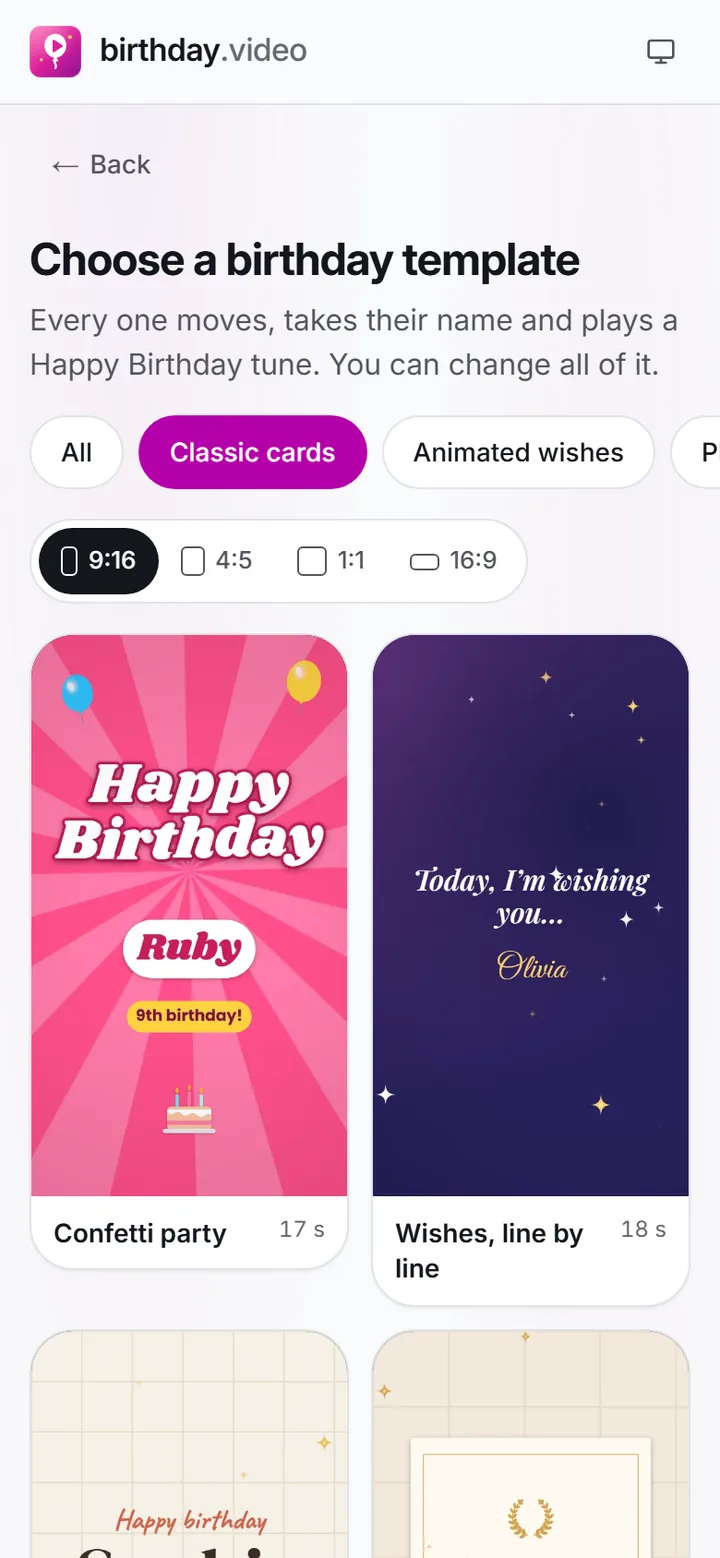
Press Make a video with their name. The editor opens on the classic cards; choose another from Templates whenever you like.
 (enlarge image)
Pick a card from the gallery; the category and the shape are already set by the page you came from.
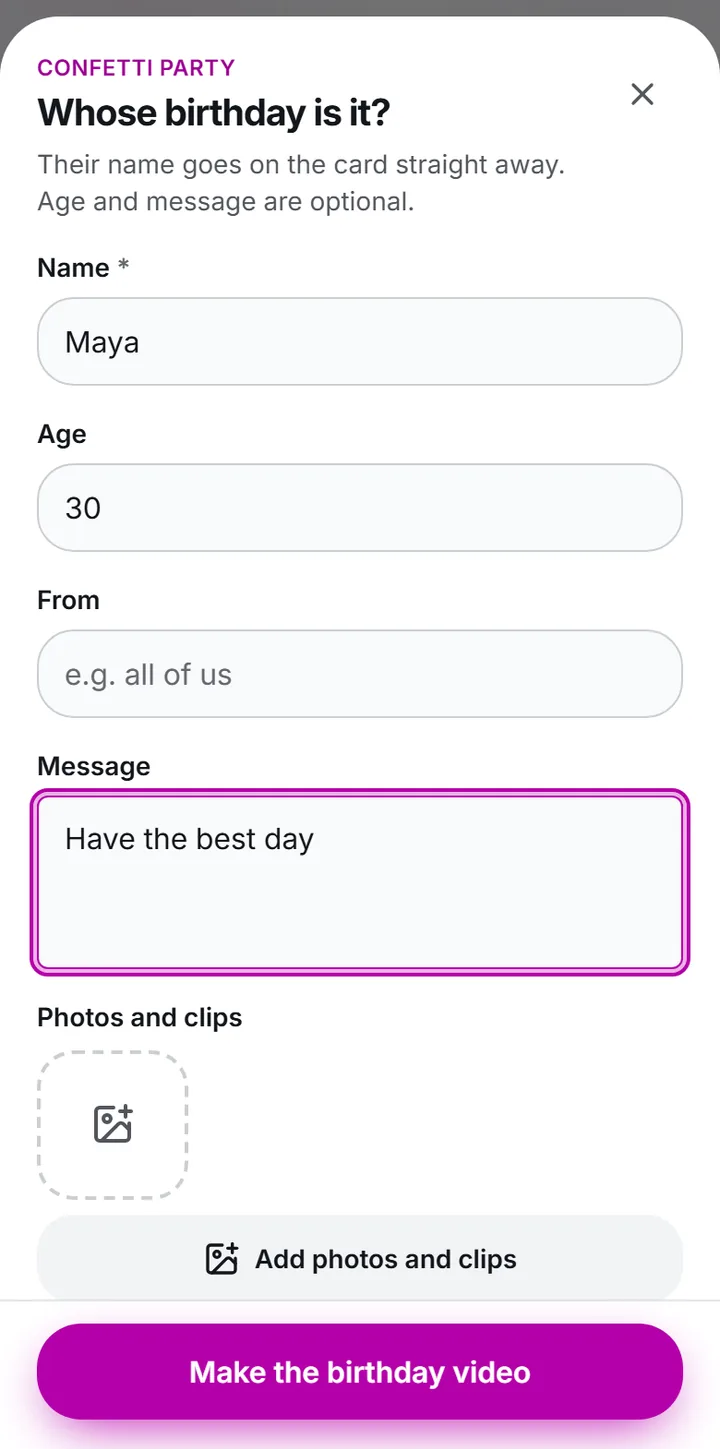
Write it exactly as they like it in Name: a first name, a nickname, or two names for twins. Watch the card play once to check the spelling.
 (enlarge image)
Type the Name, Age and Message, then Add photos and clips if you have them.
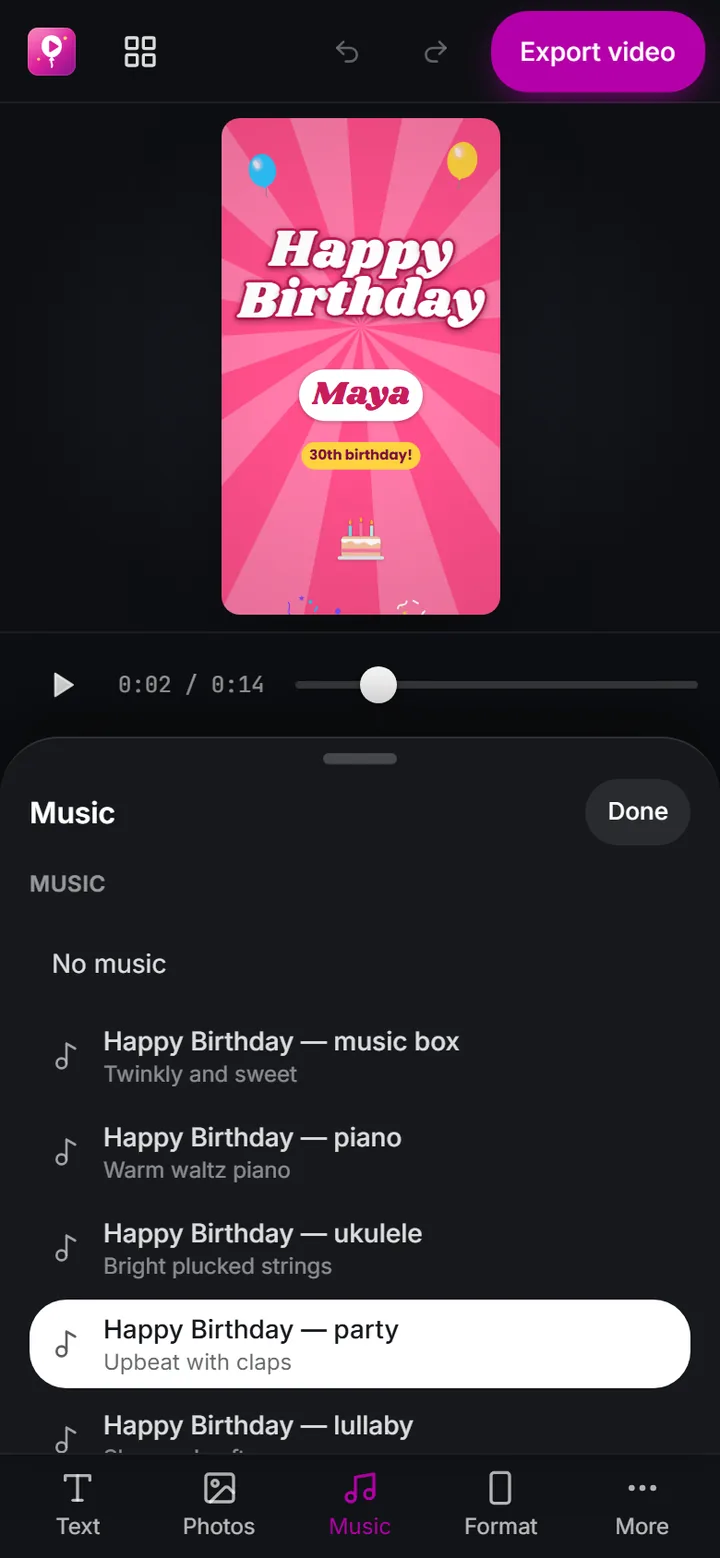
Fill in Age if it is a number worth celebrating, keep the Message short, and pick an arrangement in Add music.
 (enlarge image)
The Music panel: our own Happy Birthday arrangements, or Add music for a song on your device.
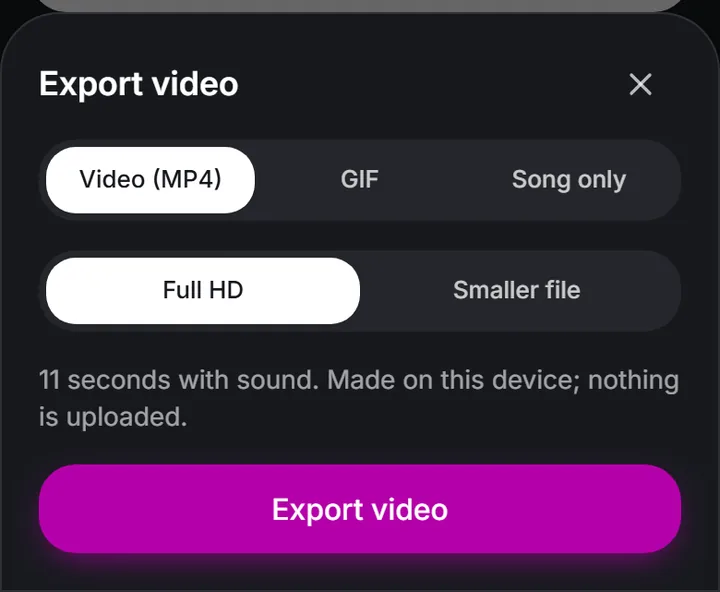
Choose Video (MP4) for a video with the tune or GIF for a silent loop, then press Export video (choosing GIF for a loop) and Download video.
 (enlarge image)
Export video opens this sheet: Video (MP4) for a video with sound.
The name is the whole point of the video, so it is worth a moment’s care:
Videos that sing a name are recorded once per name by a singer, which is why they only exist for common names and why the same few channels make them. birthday.video builds the video on your device instead, so it uses instrumental arrangements of the tune and puts the name on screen in time with it. That means unusual names, nicknames and pet names all work, and the music is free to use.
If you want a voice on it, record yourself or the family singing on a phone and add the clip with Add photos and clips. A wobbly family rendition usually means more than a stranger’s polished one.
Story 9:16 under Format fills a phone screen, for WhatsApp Status or an Instagram Story. A square works well in a group chat.
Landscape 16:9 fills a TV. Play it as the cake comes out, then send the file to them afterwards so they can keep it. For a longer video with lots of photos, start from the birthday slideshow instead.
Yes. Typing a name, exporting and downloading are all free, with no watermark and no account.
No. The arrangements are instrumental and the name is shown on screen instead. To hear a voice, add a clip of someone singing with Add photos and clips.
Yes. Type both into Name, for example “Mia and Leo”. For very different messages to each, make two videos.
Yes. Besides Name, Age and Message, every line of text on a template can be edited.
Yes. Press Export video and choose GIF for a silent version that loops, good for a chat or a comment.
No. The name is drawn into the video by your own browser. It never goes into the web address or to a server.