

What is a meaningful birthday message for a daughter?
Something only you could say, about something she did this year. If you need a start, “You make us proud in ways you don’t even notice” works for any age.
Free · made on your device
From a toddler’s party to a grown-up daughter far from home: her name on an animated card, words from you, and photos of the years in between.
Free · no sign-up · no watermark
Download one as it is, or press Add their name to open it in the editor and make it theirs.


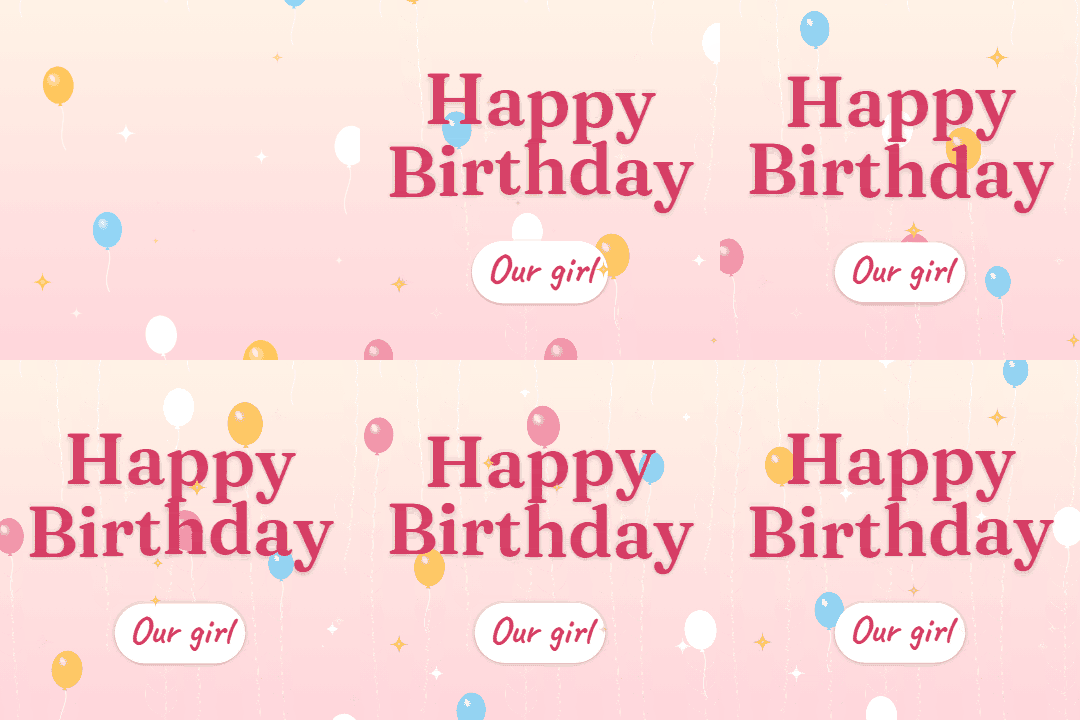
For your daughter’s birthday, a GIF with her name and one line from you is the quick win: it plays straight away in her messages and keeps looping. For a milestone, or if she lives away from home, make a video of photos from every year of her life with a Happy Birthday tune underneath.
This page opens the editor on the family templates with the greeting set for a daughter and GIF chosen as the export. For a first birthday, the 1st birthday page opens on templates made for babies.
Everything happens in your browser, so the photos stay on your device. It is free and the result has no watermark.
Start from one of these
Lines from a parent, for little ones and grown-ups. Put one in the Message, or write your own after reading a few.
Happy birthday to our daughter, the best thing we ever made.
Watching you grow up has been the greatest show on earth. Happy birthday.
Happy birthday, sweetheart. You’ll always be our little girl, even when you roll your eyes.
You were worth every sleepless night. Every single one.
Happy birthday to the girl who fills the house with noise, laughter and odd socks.
However old you are, we’re still your biggest fans.
Happy birthday, darling. Dream big, be kind, and call your mum.
You make us proud in ways you don’t even notice. Happy birthday.
Happy birthday to our favourite daughter. Yes, we know you’re the only one.
You inherited the best of both of us and none of the snoring. Happy birthday.
Another year of you being brave, funny and completely yourself.
Happy birthday, love. The world is lucky to have you; so are we.
Happy birthday to the girl who taught us what really matters.
From your first steps to your first flat: we have loved every stage.
Press Make one for your daughter above and keep the family card, or open Templates and choose one that suits her age.
Type her name in Name, her Age, and a wish in Message. Every other word on the card can be changed too.
Choose Video (MP4), press Add photos and clips and add one photo per year in order, then Add music for a tune.
Press Export video, then Share to send it from your phone or Download video to keep a copy.
One photo for every year of her life is a natural structure: eighteen photos for an 18th is about a minute under a Happy Birthday tune. For a younger daughter, use one per month of the first year, then one per year.
Search your phone’s photo library by her name or face, and photograph old prints straight on in daylight. The birthday slideshow page has more on ordering and pacing.
Let the last card carry the words: a line from the list above, signed by everyone in the house.
Something only you could say, about something she did this year. If you need a start, “You make us proud in ways you don’t even notice” works for any age.
Yes. Type her name in Name, press Export video and choose GIF. It loops in chats and on social networks.
Yes, in an MP4: Add photos and clips takes photos and short clips from your phone or computer, in the order you choose.
Add music offers the site’s own Happy Birthday arrangements, free to use, or a song file from your device. GIFs are silent.
No. The video is made in your browser and the photos stay on your device.